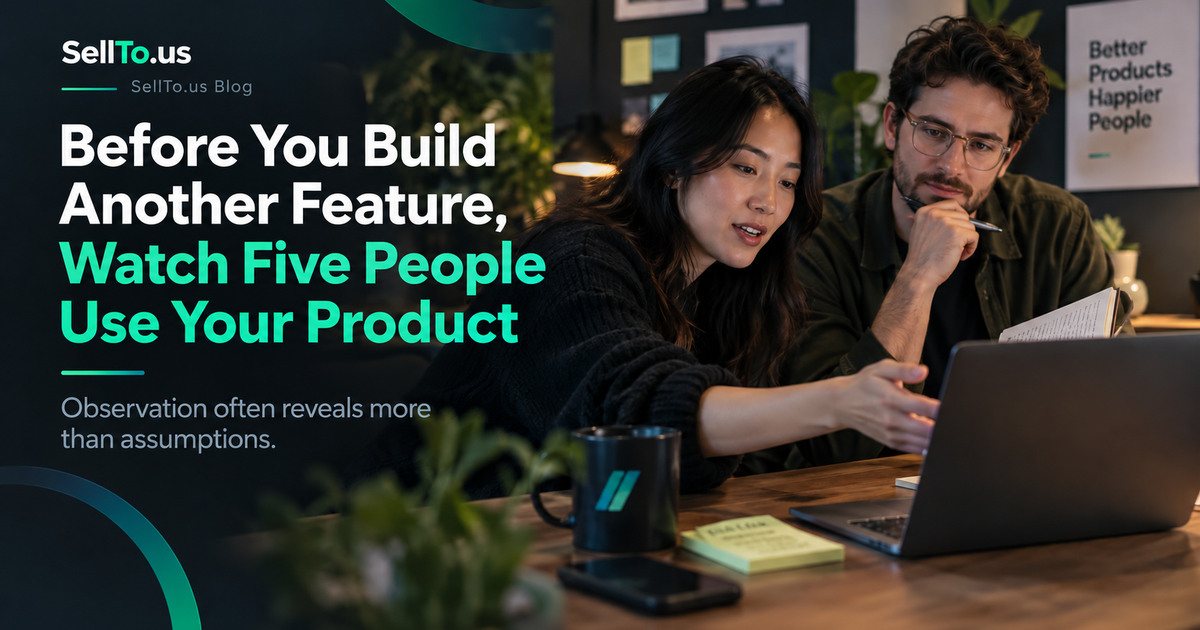
Before You Build Another Feature, Watch Five People Use Your Product
A practical usability testing guide for startups: watch five relevant users, identify friction, ask better questions, and decide what to fix before building.
On this page
- Why five people is a useful starting point
- Choose a real task, not a product tour
- Find people who resemble your actual users
- The session script is simpler than you think
- Write down behavior, not your interpretation
- Fix the pattern, not every request
- Test the fix again
- Where AI fits, and where it doesn’t
- The bottom line
A new user opens your app, looks at the screen, and pauses. After a few seconds, they tap the wrong button. They back out, try something else, and quietly give up.
If you were watching, you would have noticed the problem immediately.
But if you only looked at a feature-request list, you might spend two weeks building something completely different.
Founders often treat new features as the main answer to slow growth. Sometimes they help. Sometimes the existing product is already good enough in theory, but confusing in practice.
Before you add another feature, watch people try to use the product you’ve already built.
Why five people is a useful starting point
The phrase “test with five users” comes from usability research, not from a guarantee that five people represent your entire market.
Nielsen Norman Group’s guide, “How Many Test Users in a Usability Study?”, explains why small qualitative usability studies can reveal many important problems efficiently while also describing situations that require larger samples.
The goal here isn’t to calculate a conversion rate or announce that 80% of users are confused. It’s to discover friction and understand why it happens.
If the product serves very different user groups, you’ll need to consider those differences in whom you recruit and how you interpret the sessions.
Choose a real task, not a product tour
Don’t ask someone to sit through your demo and say what they think.
Give them a task that resembles something they’d actually want to accomplish:
- Find and book an appointment.
- Create an invoice and send it.
- Compare two plans and decide which one includes a needed feature.
- Enter a startup idea and locate the resulting report.
- Save an item and return to it later.
The task should have a clear end state, but avoid telling them exactly which buttons to click.
Instead of “Click the green button to start a test,” say, “You want to find out what might be wrong with this business idea. Show me how you’d begin.”
Find people who resemble your actual users
Friends can be helpful for catching glaring bugs, but they know you and may try to be supportive. If possible, recruit people who genuinely face the problem the product claims to solve.
You don’t need a professional research laboratory. You can observe over a video call or in a quiet room. Get appropriate permission before recording anything, and don’t pressure people to share private accounts or passwords.
If you offer an incentive, make it about their time, not a reward for positive feedback.
The session script is simpler than you think
A useful opening:
Thanks for helping. We’re testing the product, not you. There are no wrong clicks. Please tell me what you’re expecting as you go. I may stay quiet for a moment so I can see what the screen makes clear on its own.
Then give the task and observe.
When they pause, resist the urge to rescue them. If the situation gets uncomfortable, you can ask, “What are you looking for right now?” That’s more revealing than explaining where the button is.
Ask neutral follow-up questions:
- What did you expect to happen after clicking that?
- What was confusing here?
- What information were you looking for?
- Is there anything you expected to see but didn’t?
Avoid “Wasn’t that easy?” or “You liked the design, right?” Those questions steer people toward the answer you want.
Write down behavior, not your interpretation
Bad note: “The user doesn’t understand our product.”
Better note: “The user looked for pricing in the top navigation, opened FAQ, then returned to the homepage without finding subscription terms.”
The second note gives you something you can fix.
A simple session log can include:
| Task | What happened | Possible friction |
|---|---|---|
| Start a test | Participant couldn’t find the primary button | CTA isn’t prominent or label is unclear |
| Set audience | Participant wasn’t sure who was selected | Default is not explained |
| View result | Participant expected an email but looked in dashboard | Completion message lacks direction |
Keep observations separate from hypotheses. You can discuss root causes after the session.
Fix the pattern, not every request
One participant may dislike a font. Another may ask for a feature you hadn’t considered. Take notes, but look hardest at repeated moments of real difficulty.
If three people can’t find the same action, that’s worth investigating quickly. If one person asks for an advanced reporting filter, it might be valuable later, but it shouldn’t automatically outrank a task nobody can complete.
Prioritize problems based on severity, frequency in your small study, and the importance of the task. Those are judgment calls, not statistically verified population estimates.
Test the fix again
The most useful part of a usability study is what happens next.
Change the confusing label, shorten the form, or improve the guidance. Then ask new relevant users to attempt the same task without coaching.
This cycle is often more revealing than collecting a large number of feature suggestions and never observing how the product is actually used.
There are limits: a usability session tells you about interaction friction, not whether the underlying business idea has strong market demand. Someone can navigate your app perfectly and still have no reason to pay for it.
Where AI fits, and where it doesn’t
AI can help you draft task scenarios, identify possible points of confusion, and organize interview notes. An AI-simulated concept test can suggest questions to investigate before recruiting people.
But a synthetic participant cannot replace seeing a real human hesitate, misunderstand a screen, or use your product in an unexpected way.
Try the free Customer Survey Generator for neutral post-session questions, or use SellTo.us to explore concept-level hypotheses separately from usability findings.
Frequently asked questions
Can I test my product with only three people?
Yes, if that’s what you can realistically recruit. Be explicit about the limited scope and treat the findings as early qualitative observations.
Should I explain features if a participant gets stuck?
First note the point of confusion. Then you can help them continue, especially if they’re uncomfortable, but distinguish what they managed independently from what required guidance.
Does a usability test prove product-market fit?
No. It shows how people interact with a product or task. Market demand needs other kinds of evidence, including real adoption and purchase behavior.
The bottom line
When you’re proud of a product, it’s hard to watch someone struggle with it. That’s exactly why you should.
Five honest sessions can give you concrete things to fix before another feature makes the product more complicated. The goal isn’t to win compliments. It’s to make the next user’s experience easier.
Written by the SellTo.us Team. Examples in this article are hypothetical. SellTo.us results come from AI-simulated participants, not real people, and don’t predict sales or guarantee success.
Related articles
How to Find People for Customer Interviews in 2027
Good questions are useless without the right people to ask. Where to find them, what to send so it doesn't read like a pitch, and how to keep real conversations on the calendar.
How to Write Customer Discovery Questions That Reveal Real Problems
The wrong questions get you compliments; the right ones get you facts about how people really handle a problem. Here is how to write them, with five examples you can adapt.
How to Launch a SaaS Product in 2027: From Waitlist to First Paying Users
A waitlist is a list of maybes. Turning it into people who use your software every week, and then pay for it, happens one small batch at a time.